Listing photos in.A walkthrough film out.
Upload your listing photos. Glidepath plans a camera move for every room and renders a short walkthrough film.
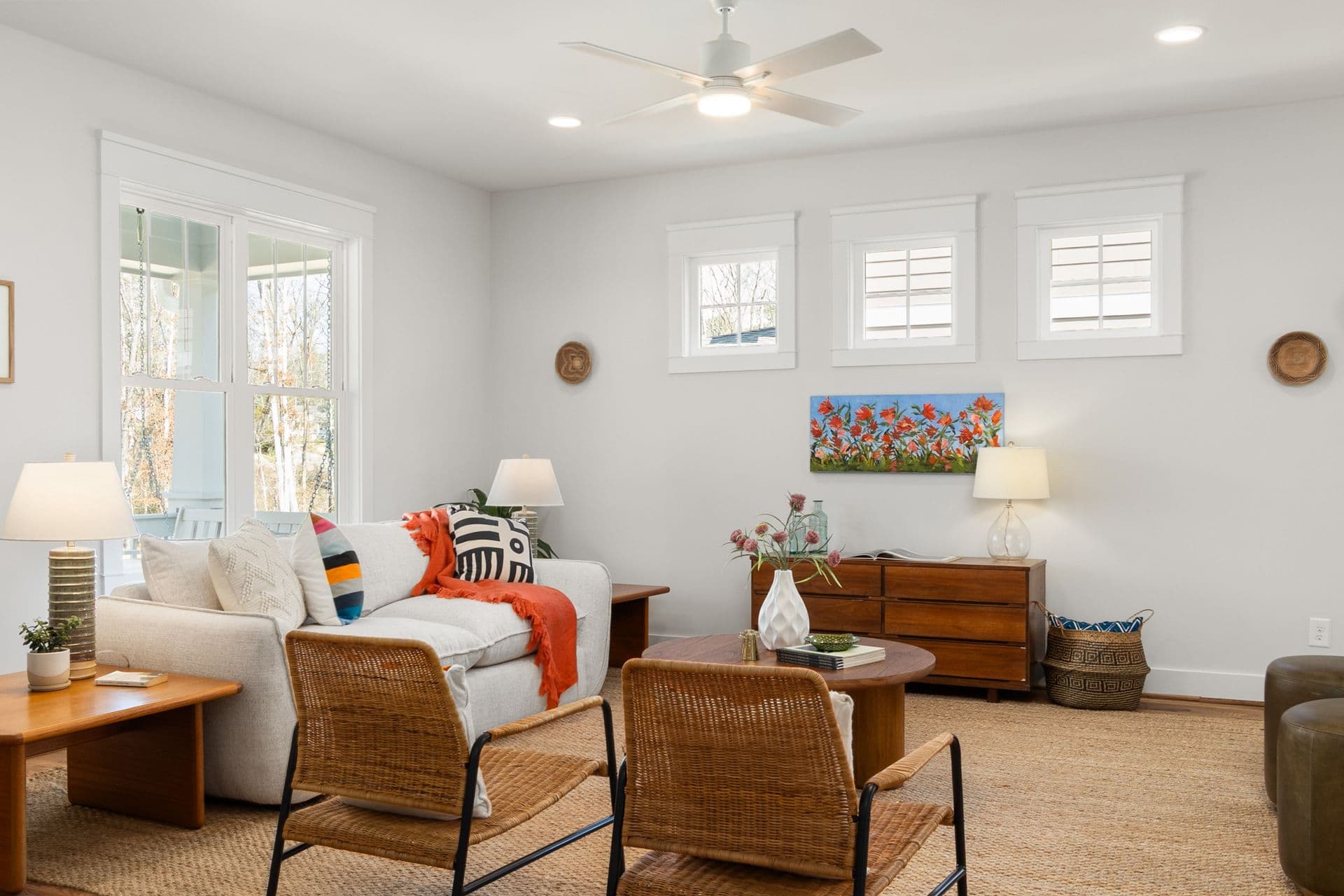
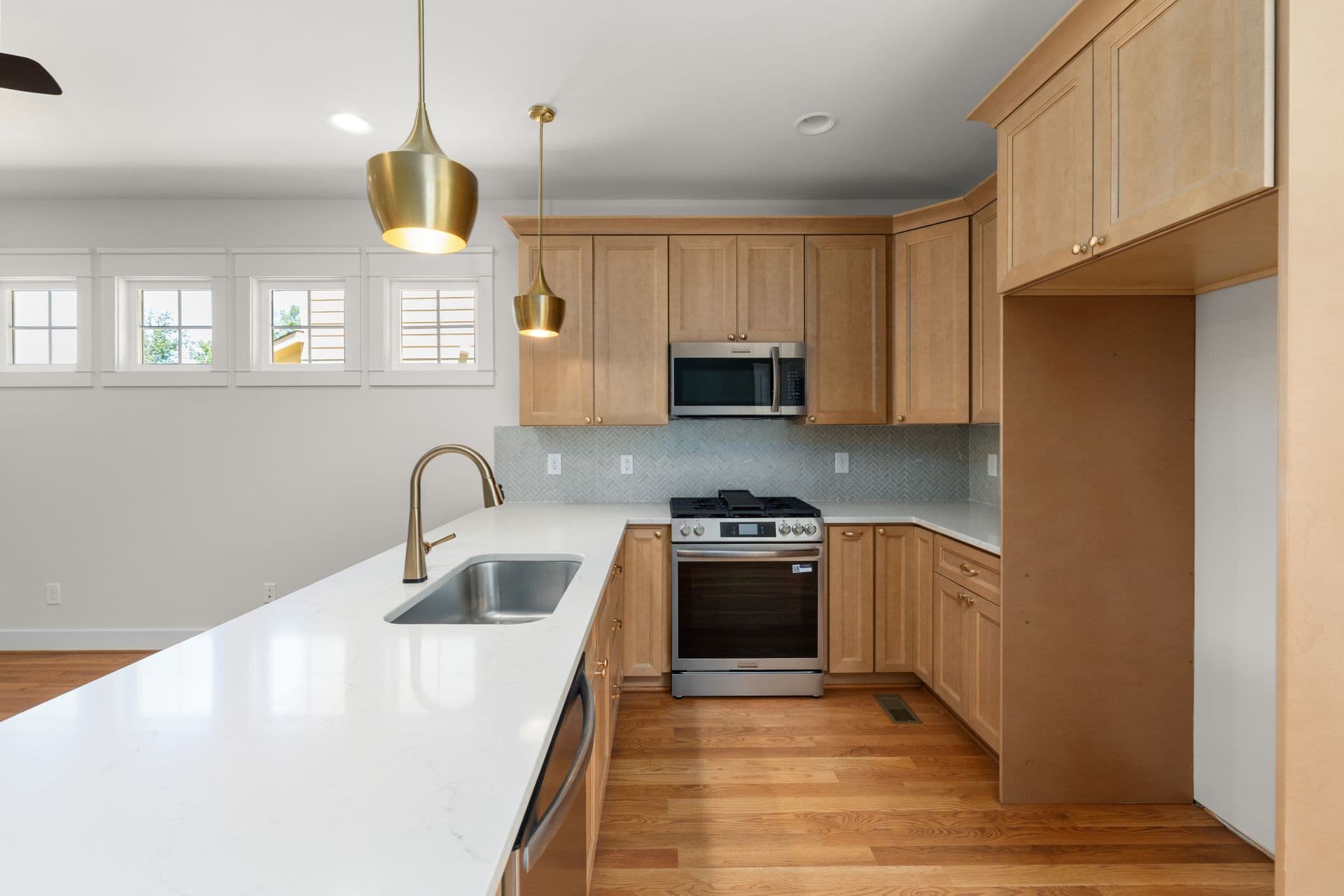
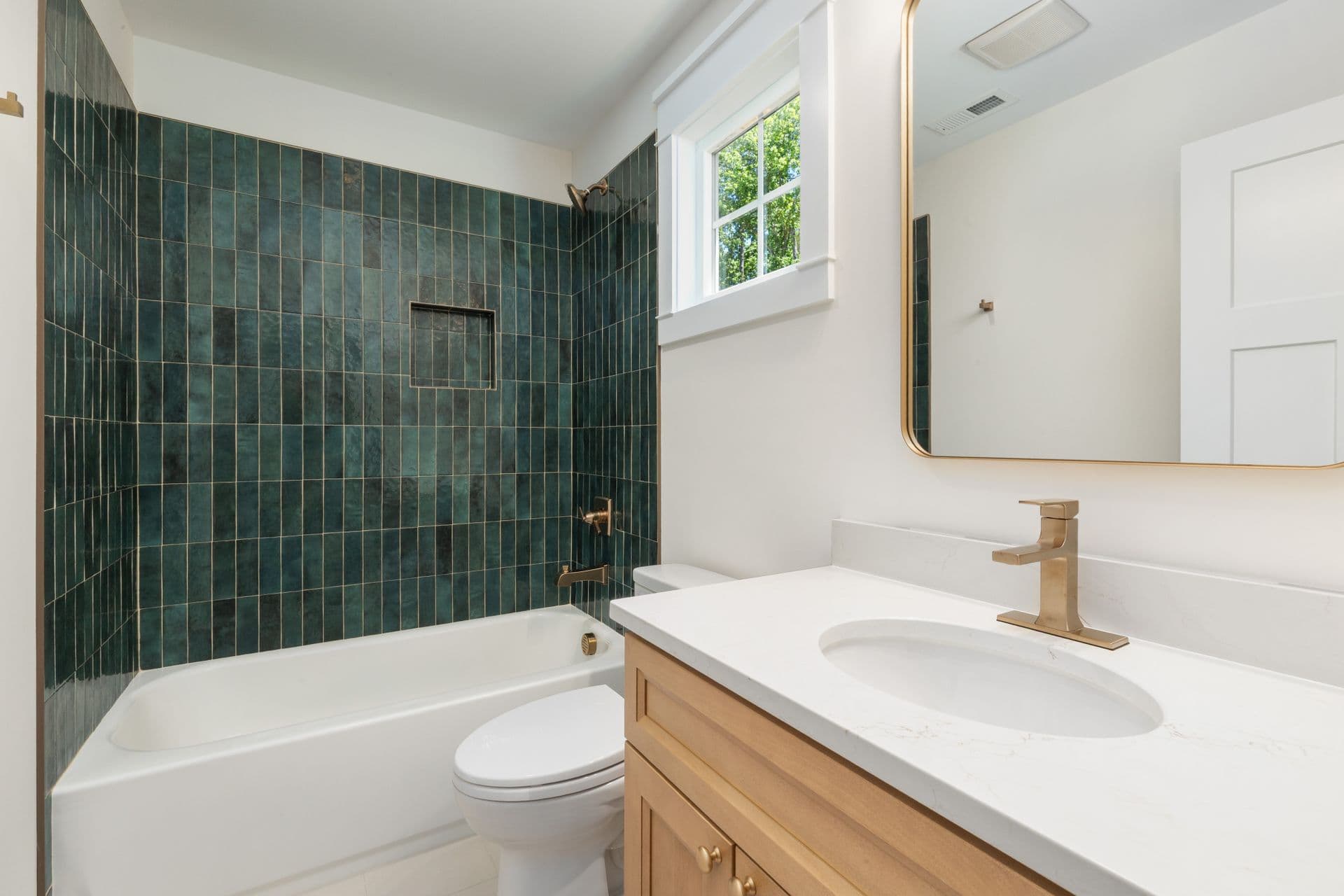
Every photo gets its own camera move.
Glidepath reads each photo, works out which room it shows, leaves out the weak ones and orders the rest like a viewing. Then every room gets a move that suits the space.
Shot 1Living room
Glide forward
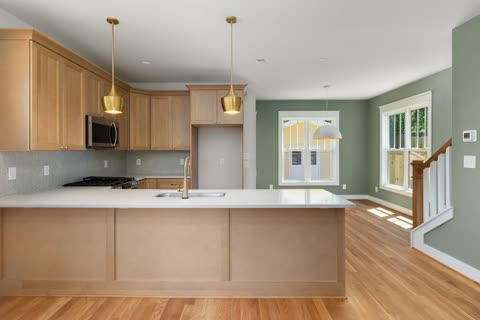
Shot 2Kitchen
Slide right
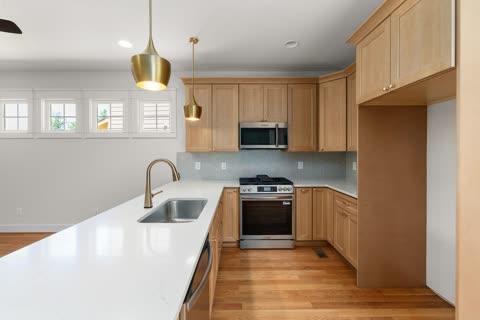
Shot 3Kitchen island
Push in
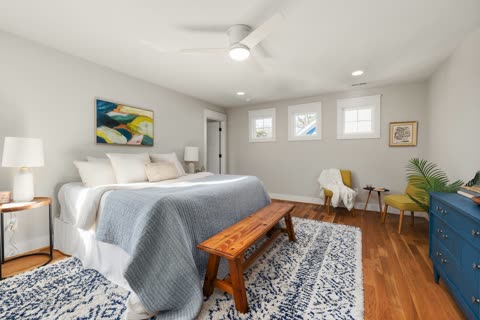
Shot 4Bedroom
Arc left
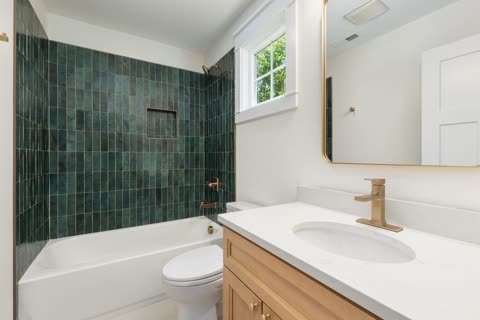
Shot 5Bathroom
Push in
Planned like a viewing.
Front door first, the best rooms in the middle, the garden or the pool to finish. You can see the plan before a single shot renders.
- 01
Upload
Add 5 to 30 photos: the front, the main rooms, the outdoor spaces. Each one is checked for sharpness and light.
- 02
Choose a style
Smooth glide, Cinematic or Lively, in landscape or vertical. The price in credits shows before anything renders.
- 03
Generate
The strongest photos are ordered front door first and animated one shot at a time, with a dissolve between rooms.
- 04
Review and download
Play the tour, regenerate any shot you want to change, then download the MP4.
Landscape for the listing. Vertical for the feed.
One set of photos gives you either format, in three styles. Styles change how the camera moves and how shots are joined, never how the property looks.
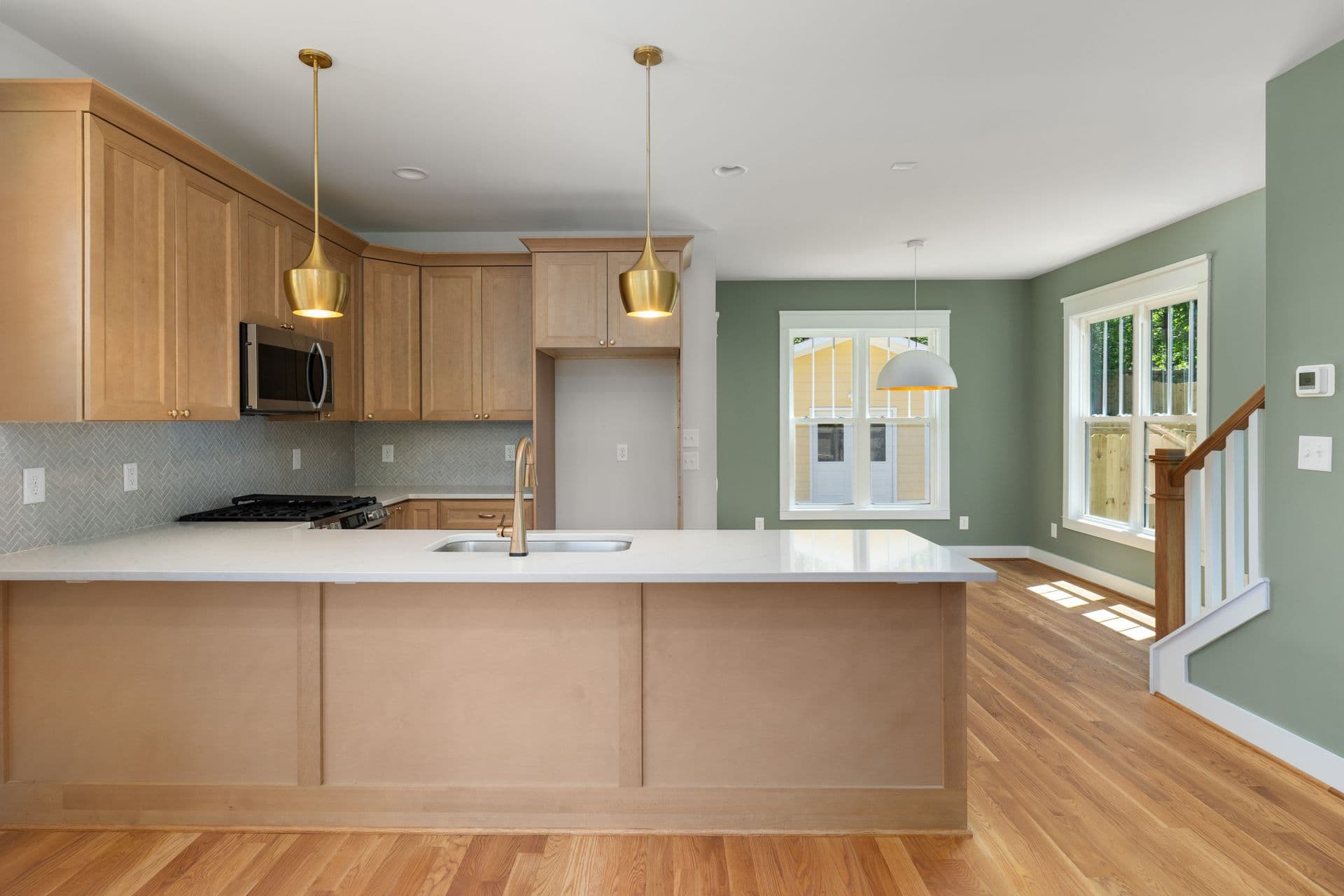
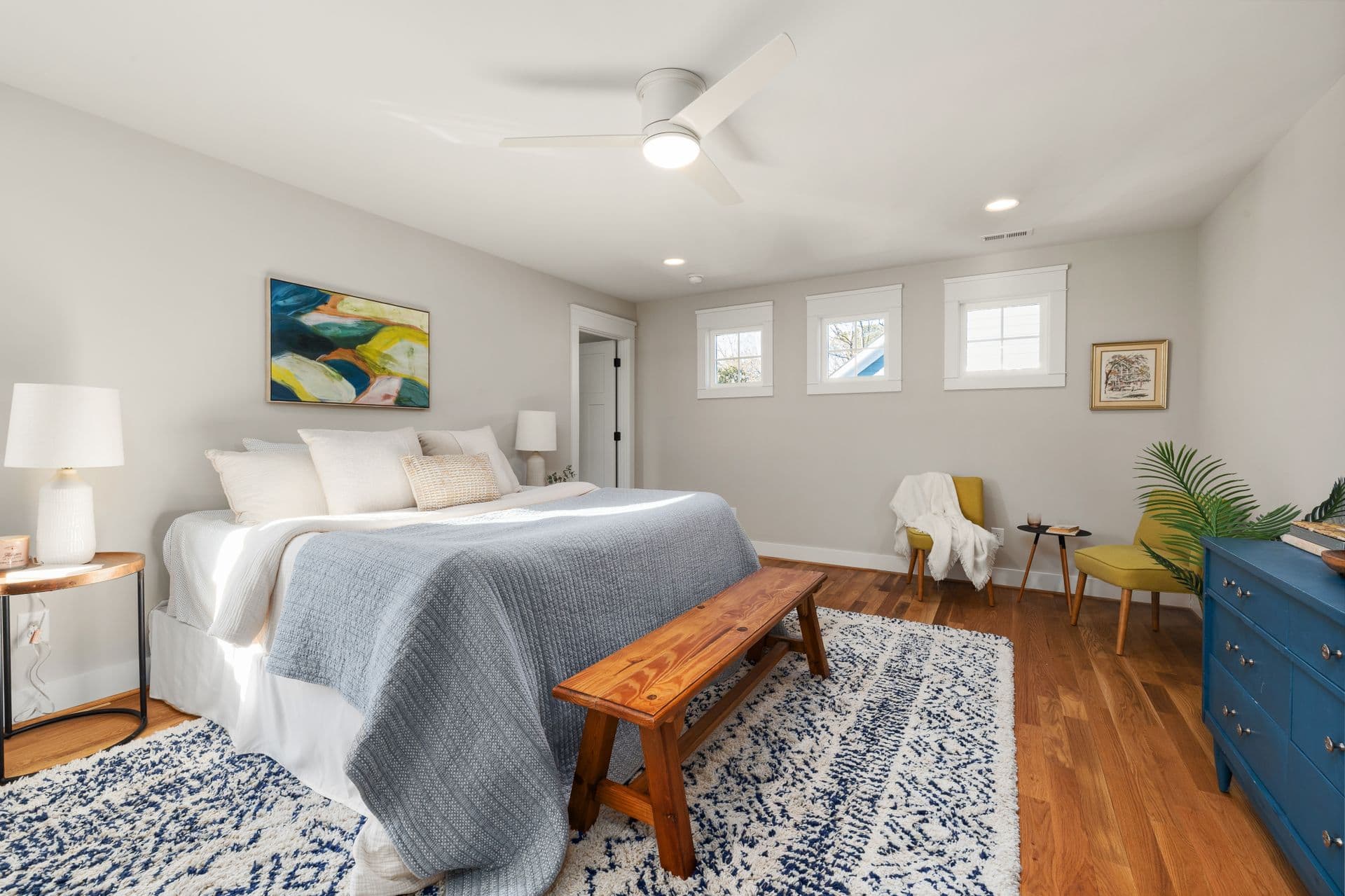
Smooth glide
Slow, steady gimbal moves with soft dissolves. The safe choice for any listing.
Cinematic
Slower, deliberate moves with longer dissolves for premium properties.
Lively
Quicker moves and tighter cuts, made for social feeds.
You pay for the shots that work.
Credits are held when a tour starts and charged one shot at a time, as each clip is delivered.
See the price first
The cost in credits is on screen before you press Generate.
Re-shoot one clip
Regenerate a single shot without paying for the others again.
Failed shots come back
Credits for a shot the video model can’t make return to your balance.
Buy credits when you have a listing.
A shot is 5 seconds of video and costs 10 credits, so a 6-shot tour is 60 credits. New accounts start with 300 free credits.
Credit packs
Starter pack
100 credits, 1 tour
100 credits
1 tour at $7.20
$12
Pro pack
300 credits, 5 tours
300 credits
5 tours at $6.60
$33
Agency pack
1,000 credits, 16 tours
1,000 credits
16 tours at $5.94
$99
Studio plan
$25a month
250 credits a month, 4 tours
250 credits every month. Unused credits stay available for 30 days after each month ends. Cancel any time.
Questions agents ask
Which photos work best?
Wide, sharp, well-lit photos taken at eye level: the front of the house, the main rooms and the outdoor spaces. Glidepath leaves out photos that are blurry, very dark or too small, and tells you which ones.
Does the AI change how the property looks?
Styles only change the camera movement and the transitions, never colour, light or furniture. Video models can still alter small details, so review every tour before you use it in your marketing.
What if one shot looks wrong?
Regenerate just that shot. The tour is put together again with the new take, and you pay only for the new shot.
How long does a tour take?
Shots render one after another, so a tour usually takes a few minutes. You can close the page: the tour keeps rendering and is waiting on your dashboard.
What do I download?
An MP4 in the format you picked: landscape 16:9 or vertical 9:16, ready to upload to a listing site or social feed.
Your next listing, as a film.
Create an account, upload the photos and see the price before anything renders.